Working at a small nonprofit means you have to know how to multitask and jump in wherever you are needed. Everyone wears several hats – from answering the phone to posting on social media or coordinating volunteers. I know how it is, I’ve been there.
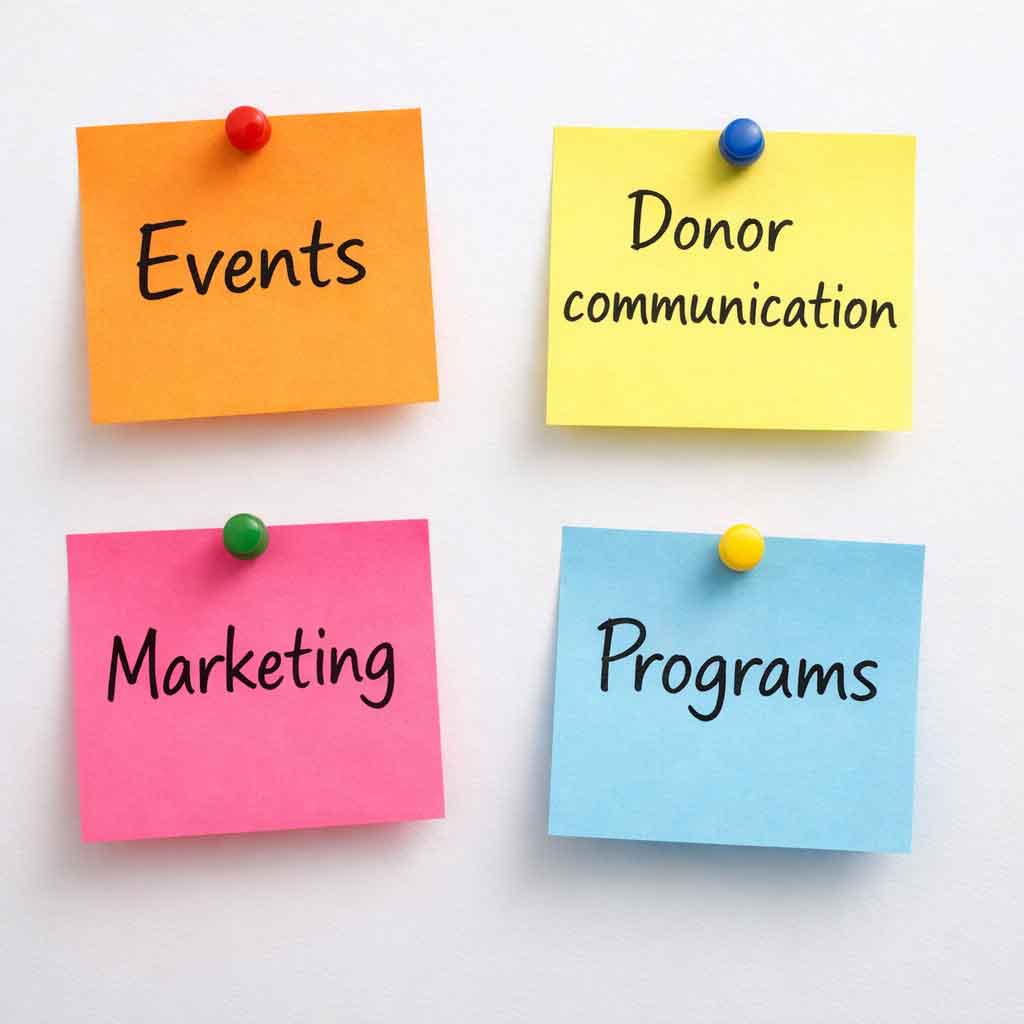
You might be planning and promoting events, communicating with donors, handling marketing, and managing ongoing projects all at the same time. Much of this work lives in email threads, mental to-do lists, or scattered notes.
Over time, that lack of structure starts to show through missed deadlines and tasks that keep getting pushed back. Your team may find itself constantly reacting rather than moving forward with clarity.
When you have a small team, keeping everyone in the loop, tracking progress, and ensuring redundancies when someone is out of the office is incredibly important.
This article will show you how to move towards centralized tools that can reduce burnout and keep your mission on track.
The “Chaos Tax”: Why Your Current System is Costing You
Research suggests that the average worker spends nearly 20% of their workweek just looking for internal information or tracking down colleagues for updates (Source: McKinsey Global Institute). For a small nonprofit, that is a “Chaos Tax” you simply cannot afford to pay.
When tasks aren’t broken down or tracked, and files aren’t standardized, your team spends more time talking about work than actually doing the work. If a staff member has to search through three different email threads to find the latest version of a grant proposal, your “information scent” is broken. This wastes time and creates frustration.
Why “Email Management” Fails Small Teams
Email was designed for communication, not for project management.
You can send messages back and forth, but there’s no clear place to:
- see what’s been done
- track what still needs to happen
- or keep everything organized in one spot
Things get lost, overlooked, and harder than they need to be.
The Pitfall: Relying on “Mental Lists” and Email CCs. When a large project—like an annual fundraiser—is managed via email, tasks get lost. A staff member might know they are “in charge” of the event, but without a shared breakdown, no one knows who is handling the catering, the invitations, or the RSVP list.
The Solution: Centralized Task Ownership. Assign every task to an individual with a deadline. For larger tasks, break them up into smaller check-ins with senior management to ensure they are on-time and meet the assigned goals.
Project management tools for nonprofits, such as Asana, Basecamp, Trello, or Monday.com, let you break a large project into microtasks.
A Case Study: Project Management Tools and Standardization Saves Time
It’s not just nonprofits that experience this loss of time. It happens in small businesses, chambers of commerce, and other organizations, too. For example, we overhauled our business processes for Kathy Jacobs Design & Marketing not too long ago.
Our team at Kathy Jacobs Design & Marketing has been growing. While we knew that we needed to update our processes and organize things, this was spurred by an employee being out of the office.
When this employee was out of the office, a client needed some changes made to their design. I spent nearly an hour first finding the project files and then trying to figure out which version was the current one. It was time I completely wasted. After that experience, we made a big change.
We didn’t need a project management tool with lots of bells and whistles. Our needs were simple. We wanted to track projects, steps, and set up review processes all in one place. We also wanted to allow our clients to log in and provide feedback and approvals in the same location.
This meant we needed something simple to use, with a low learning curve. Our team decided on Basecamp. It’s a great tool that meets our needs.
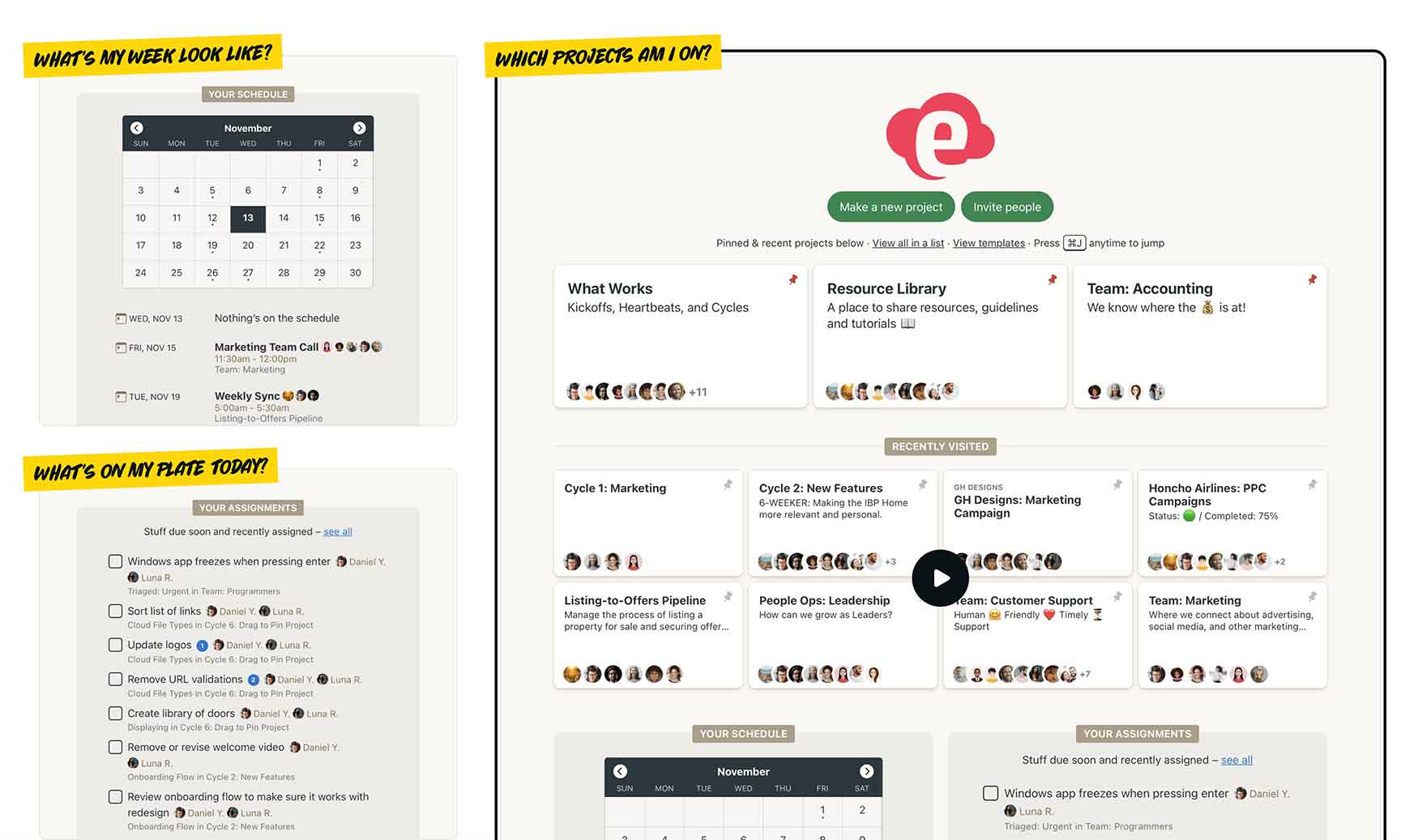
We set up each project using a template that includes the steps and procedures we repeatedly use. We invite clients to the project and assign each task to an individual with a deadline. We store our assets and file versions in Dropbox, but link to them in our Basecamp project.
We assign a project number to each project and set up a folder system for each project in Dropbox. Each project folder includes the following structure:
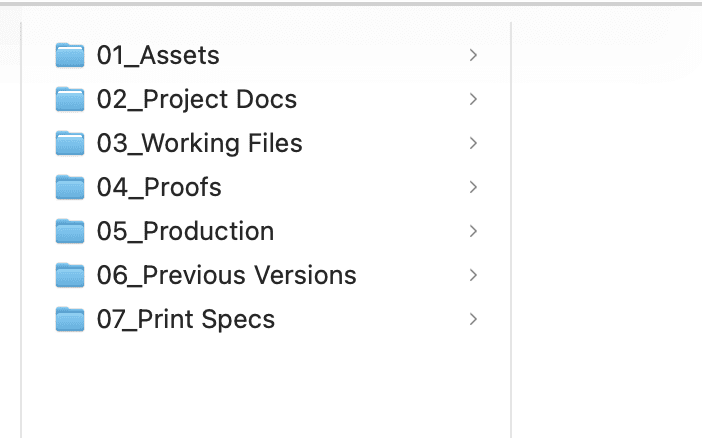
- 01_Assets – for images and text files for the project
- 02_Project Docs – for client communication, meeting notes, and contracts
- 03_Working files – for our design files in progress (each version is saved)
- 04_Proofs – files we send to the client for review
- 05_Production – the final version sent to the printer or posted online
- 06_Previous versions – samples of products used in previous years or productions
- 07_Print specs – the printing specifications sent to the printer
We standardize the name of each file using the following format YYYY-MM-DD Name of file. This helps us know which is the current version and makes it easy to search.
These changes have resulted in faster project completion and reduced time spent searching for documents and files. While it did take time to set up the system and train our staff, that time was an investment in our future work productivity.
Nonprofit Workflow Makeovers
Below are the most common “friction points” for small teams and the immediate shifts you can make to fix them.
| The Problem | The Pitfall (Current State) | The Solution (New Standard) |
| File Access | Files are saved on individual desktops or in private folders. | Shared Cloud Storage: Move everything to a shared Google Drive or Dropbox with a strict folder hierarchy. |
| Deadlines | Staff use personal paper planners or personal digital calendars that others can’t see. | Shared Digital Calendar: Every major milestone and “out of office” day is visible to the entire team. |
| Accountability | There is no centralized place to view who is assigned to each step. | Task Assignment: Every action item gets a specific owner and a due date in your project management tool before the meeting ends. |
Every Minute Saved is a Minute Given Back to Your Cause
Your nonprofit exists to create change, not to manage administrative clutter. By implementing even one centralized tool, you make it easier for your staff to do their work, allowing them to spend more time focusing on the people you serve.
Stop the Disorganization and Start Scaling Your Impact. Want more practical strategies to streamline your nonprofit’s operations? Sign up for our newsletter for useful tips delivered straight to your inbox.