As you plan, shoot, and edit short-form videos for each social media platform, you need to know the latest maximum video length for Reels, YouTube Shorts, and TikTok videos.
What’s the Maximum Video Length for Reels, Shorts, and TikTok?
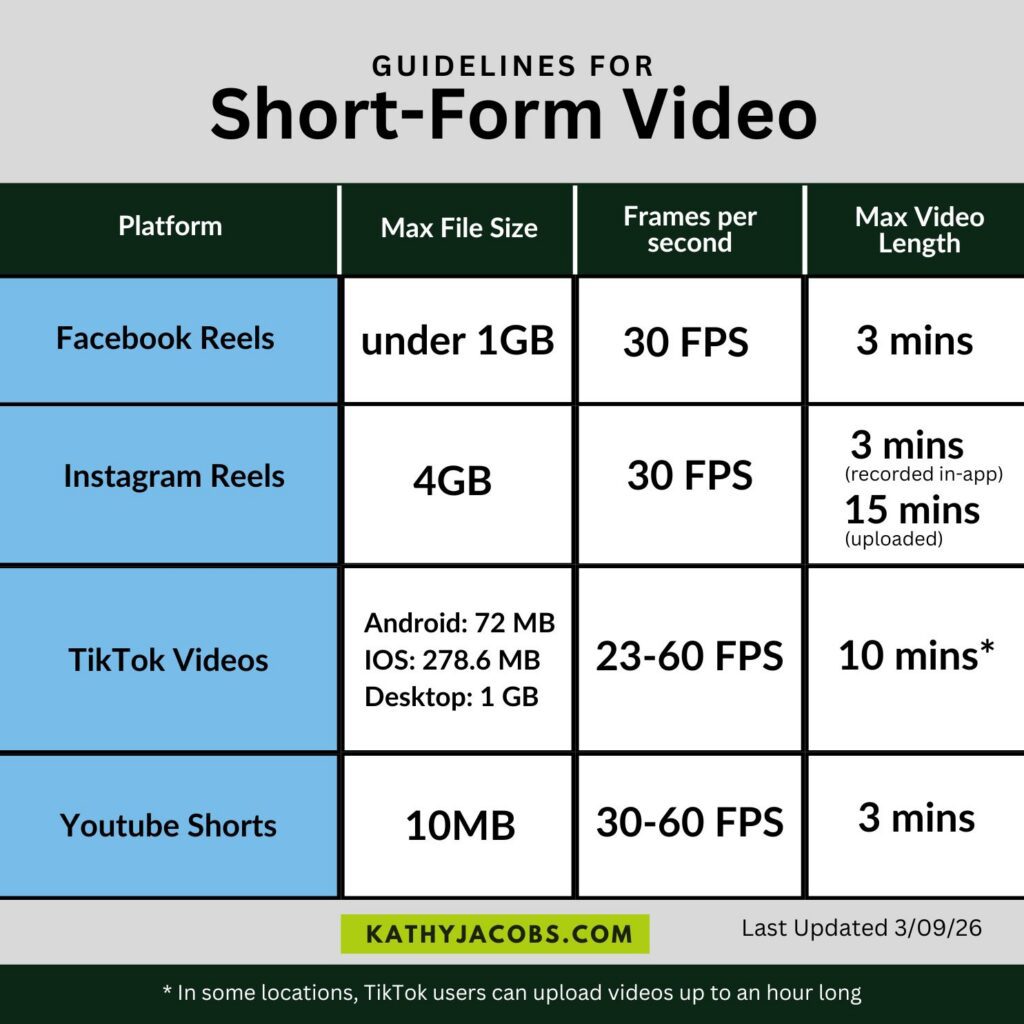
This table shows the most recent guidelines for short-form videos on each social media platform.
2026 Guidelines for Short-Form Video
| Social Media Platform | Max File Size | Frames per second | Max. Video Length | Recomm. Format | Recomm. Resolution | Recomm. Video codec | Cover Photo Size |
|---|---|---|---|---|---|---|---|
| Facebook Reels | under 1GB | 24 FPS to 60 FPS | 3 mins | .mp4 | 1080p | H.264, H.265 Closed GOP 2s to 5s Chroma subsampling 4:2:0 Square pixels Progressive scan | |
| Instagram Reels | 4 GB | 30 FPS | 3 mins when recorded in-app 15 mins for some uploads | .mp4 or .mov | Min. 720p Recomm. 1080 x 1920p Safe zone: 1080 x 1440px | Progressive scan High profile 2 consecutive B frames Closed GOP. GOP half the frame rate CABAC Chroma subsampling: 4:2:0 | 420px by 654px (1:1.55 ratio) |
| TikTok Videos | Android: 72MB IOS: 278.6MB Desktop: 1GB | 23 – 60 FPS | 10 mins* most effective between 15 and 60 seconds | ||||
| YouTube Shorts | 10MB | 30 – 60 FPS | 3 mins |
Table updated 3/9/26
*In some locations, TikTok users can upload videos that are up to an hour long
Short-form Video: Reels, Shorts, & TikTok
Creating engaging short-form videos can help you reach new and existing audiences for your business. Your videos can entertain, educate, tell a story, showcase a product, promote an event, and more. But remember, just because you can create a 3 to 10-minute video for these platforms doesn’t mean you should. Many viewers will scroll past your video if it doesn’t grab and hold their attention.
Get to know your audience, what they want to see, the hooks that work, and use that knowledge to create the best-performing short-form videos. Use these short-form videos with a call-to-action to generate leads or direct viewers to long-form videos for more information.